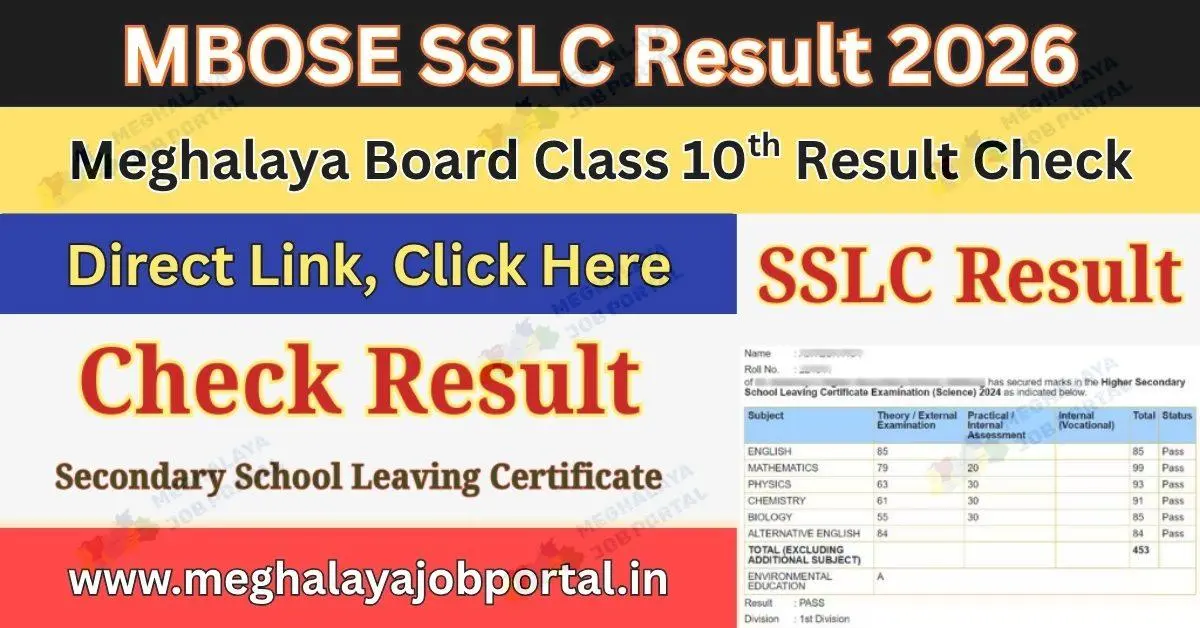
Students who were waiting for the MBOSE SSLC Result 2026 can now finally relax. The Meghalaya Board of School Education (MBOSE) has released the Class 10 result today, April 7, 2026, at 11:00 AM. So, students can now check their marks online from the official websites.
Right now, many students are feeling excited and also a little nervous. Because this result is very important for their next step. But don’t worry, checking your result is very simple and quick.
MBOSE SSLC Result 2026 Overview
| Board Name | Exam Name | Result Date | Result Time | Category |
|---|---|---|---|---|
| Meghalaya Board of School Education | SSLC (Class 10) | April 7, 2026 | 11:00 AM | Result |
Thousands of students appeared for this exam, and now the wait is over. You just need your roll number, and after that, you can see your result easily.
Also Check: MBOSE SSLC Supplementary Exam 2026 Schedule Released Starting May 1
Official MBOSE SSLC Result 2026 Date and Time
| Exam | Date | Time |
|---|---|---|
| MBOSE Class 10 | April 7, 2026 | 11:00 AM |
So now, students can go online and check their marks without any delay.
Where to Check MBOSE SSLC Result 2026 Online
The Meghalaya SSLC Result 2026 is available online. Students can visit these websites:
MBOSE SSLC Result 2026 OUT @mbose.in; download result booklet here
- www.mbose.in
- www.mboseresults.in
- www.megresults.nic.in
- www.results.shiksha
- www.jagranjosh.com
- www.ndtv.com
- www.indianexpress.com
Also Check: MBOSE SSLC Result 2026 Toppers List; Check Meghalaya Board Toppers Names & Marks here
Sometimes, websites may become slow because many students try at the same time. However, you can wait for some time and try again.
How to Download MBOSE 10th Marksheet
Now, follow these simple steps to download your marksheet:
- Go to the official website.
- Click on the “MBOSE SSLC Result 2026” link.
- Enter your roll number.
- Click on submit.
- Your result will appear on the screen.
- Download and save it for later use.
So, keep your roll number ready before checking your result.
Also, remember that the result will not be available at MBOSE offices. Everything is online now.
Check Meghalaya SSLC Result 2026 on Meghalaya Job Portal
If the main websites are slow, then don’t worry. You can also check your result on other website.
- www.jagranjosh.com
- www.ndtv.com
- www.indianexpress.com
New Job Post: SSB Head Constable Recruitment 2026 Apply Online for 233 Posts
This is very helpful because sometimes official sites take time to load. So, this option can save your time.
What to Do After Checking Your Result
After you download your result, you should do these things:
- Check your name and roll number carefully
- Verify all subject marks
- Save or print your marksheet
- Contact your school if you find any mistake
- Start planning your next class
Now is the time to think about your future studies.
Rechecking and Revaluation Process
If you feel your marks are not correct, you can apply for rechecking.
- The form will be available on the official website
- You need to apply within the given time
- A small fee may be required
So, keep checking updates from the board.
Supplementary Exam Details
If a student does not pass in one or more subjects, there is still hope.
- You can apply for supplementary exams
- Dates will be announced soon
- Prepare well and try again
Because one exam does not decide everything.
Important Points to Remember
- Keep your roll number ready
- Do not panic if the site is slow
- Take a screenshot of your result
- Stay updated for new notices
Important Links
| Official Website | Click Here |
| Result Link | Click Here |
| WhatsApp Channel | Click Here |
| Telegram Channel | Click Here |
| Facebook Group | Click Here |
| Jobs Link | Click Here |
FAQs – MBOSE SSLC Result 2026
1. When was the MBOSE SSLC Result 2026 announced?
The result was announced on April 7, 2026 at 11:00 AM.
2. Where can I check Meghalaya SSLC Result 2026?
You can check it on mbose.in, mboseresults.in, and megresults.nic.in.
3. How can I download my marksheet?
Go to the official site, enter your roll number, and download your result.
4. What if I fail in one subject?
You can apply for supplementary exams.
5. Can I apply for rechecking?
Yes, you can apply online after the result is declared.